# Body Leaning Setup
Some characters may have different skeleton rig than normal, **if your character is leaning normally you can skip this page.**
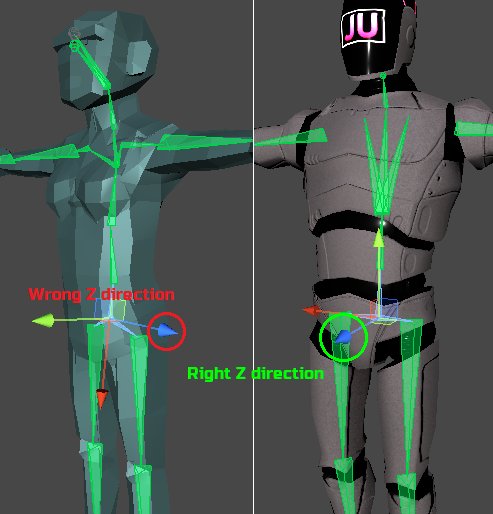
Above we see a comparison in the direction of the Z axis, which in the Unity engine should be the front axis.
In principle there is no problem in having a character with bones with different orientation, but this can affect some procedural animations like Lean Body and Procedural Driving Animation:
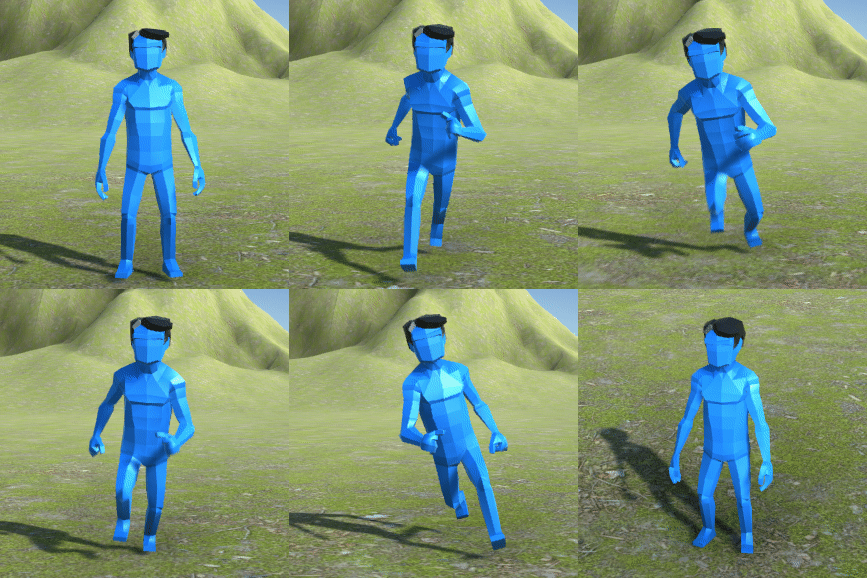
Body Lean in wrong axis
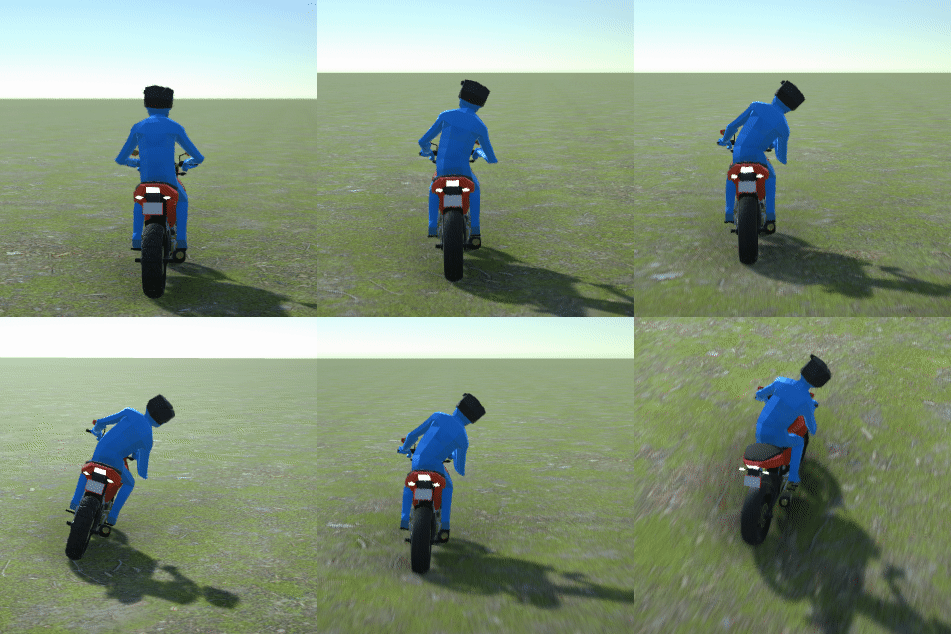
Procedural Driving Animation in wrong axis
To solve this is simple, just configure the axis of the Components below:
POLYGON Character JU TPS 3 Setup
{% hint style="success" %}
**It is possible that this configuration above does not work for your character**, since each character can vary the orientations depending on the software it was made and the way it was exported, but you just need to see which axes of the character's bones should be rotated, you can experiment with settings until one that works best for your character.
{% endhint %}
---
# Agent Instructions: Querying This Documentation
If you need additional information that is not directly available in this page, you can query the documentation dynamically by asking a question.
Perform an HTTP GET request on the current page URL with the `ask` query parameter:
```
GET https://julhiecio.gitbook.io/ju-tps-documentation/quick-start/how-to-create-a-ju-character-reskin-default-character-setup-new-characters/body-leaning-setup.md?ask=
```
The question should be specific, self-contained, and written in natural language.
The response will contain a direct answer to the question and relevant excerpts and sources from the documentation.
Use this mechanism when the answer is not explicitly present in the current page, you need clarification or additional context, or you want to retrieve related documentation sections.